Videos and live location in chat
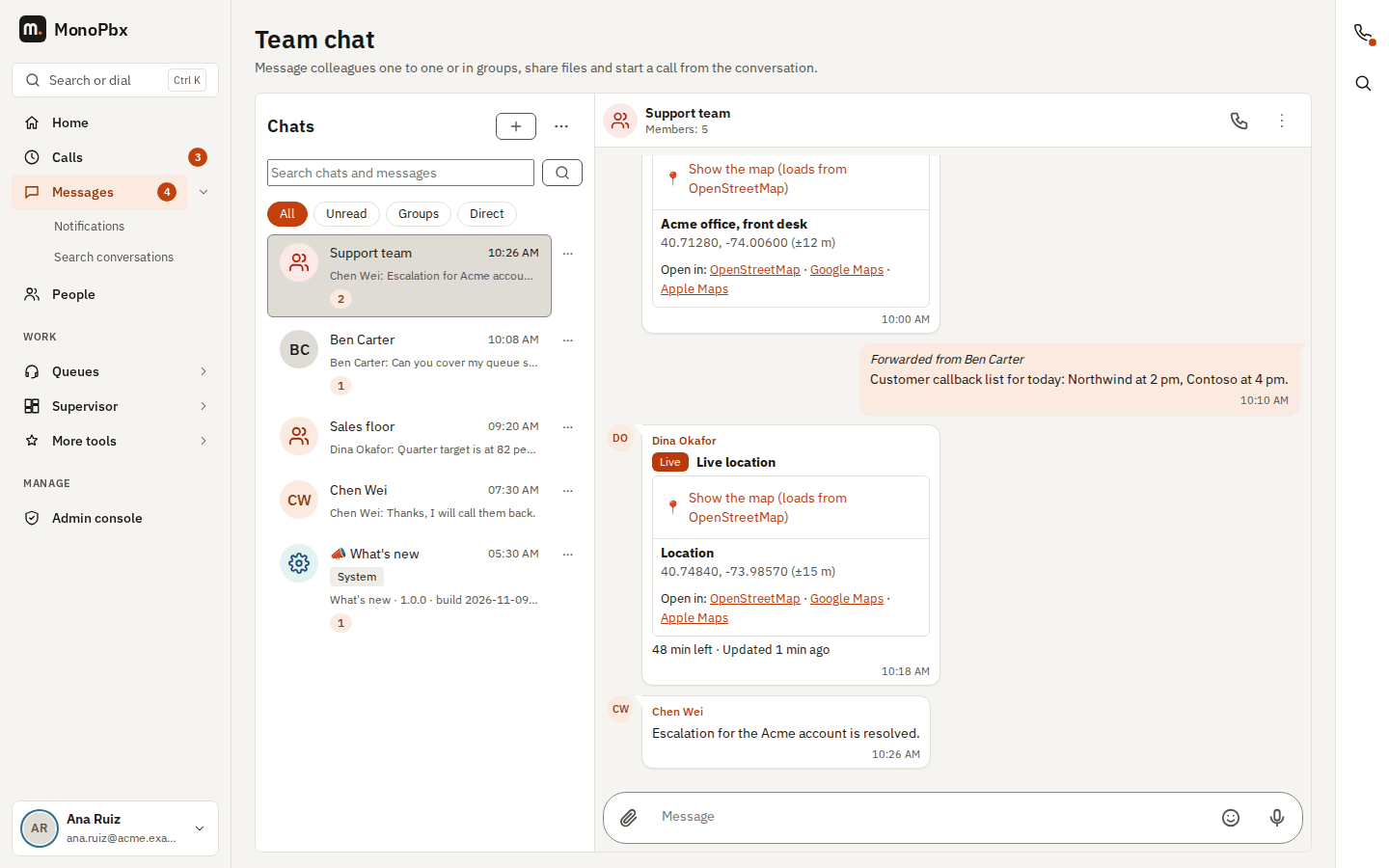
Team chat members can send videos and round video notes, and share their live location. You set the limits and the live location switch in Settings > Company > Chat controls; select Save in the save bar.
Videos and video notes
| Setting | Default | What it does |
|---|---|---|
| Largest video (MB) | 100 | The biggest video a member can send (1 to 4096 MB, never more than the server allows). |
| Largest video note (MB) | 20 | The biggest round video note (1 to 200 MB). |
| Longest video note (seconds) | 60 | The longest round video note (5 to 600 seconds). |
- Videos are MP4 or MOV files with H.264 or HEVC video and AAC sound. Other formats are refused with a clear message. The PBX reads the size and length from the file itself, so the apps reserve the right space before the video loads.
- A video note must be square and within the length above.
- Videos stream: the apps load only the part being played, so people can skip ahead.
- The apps make the preview picture. When your server administrator installs
ffmpegand sets it in the server configuration ([chat] ffmpeg_path), the PBX also makes the preview picture for videos sent without one.ffmpegruns as a separate program and is not part of MonoPbx. - Videos and video notes follow your chat retention and legal holds like any other file.
Live location
Allow live location (on by default) lets members share where they are for 15 minutes, 1 hour or 8 hours.
- Only the members of the chat see it.
- Only the latest position is kept while the share runs, never a route. When the share stops or its time is up, only the last position stays (without direction or speed), shown in the message as an ordinary location with Live location ended.
- Shares start in the MonoPhone app on Android and iPhone. The phone sends a position every 10 to 30 seconds while the person moves. MonoPhone uses only "while using the app" location access: on Android a "Sharing live location" notification with Stop shows while it runs, on iPhone the blue location indicator. Signing out stops every share of that person.
- The desktop app and the web console show live locations (the pin moves) but never share one.
- A live location cannot be forwarded to another chat.
- Only the person who shares can update or stop it.
- Positions follow your chat retention: they are deleted with their message.
Turn it off to stop new shares; shares already running end at their time.