Team chat
Team chat lets the people of your company message each other inside MonoPbx, in the web client and the apps.
Chats
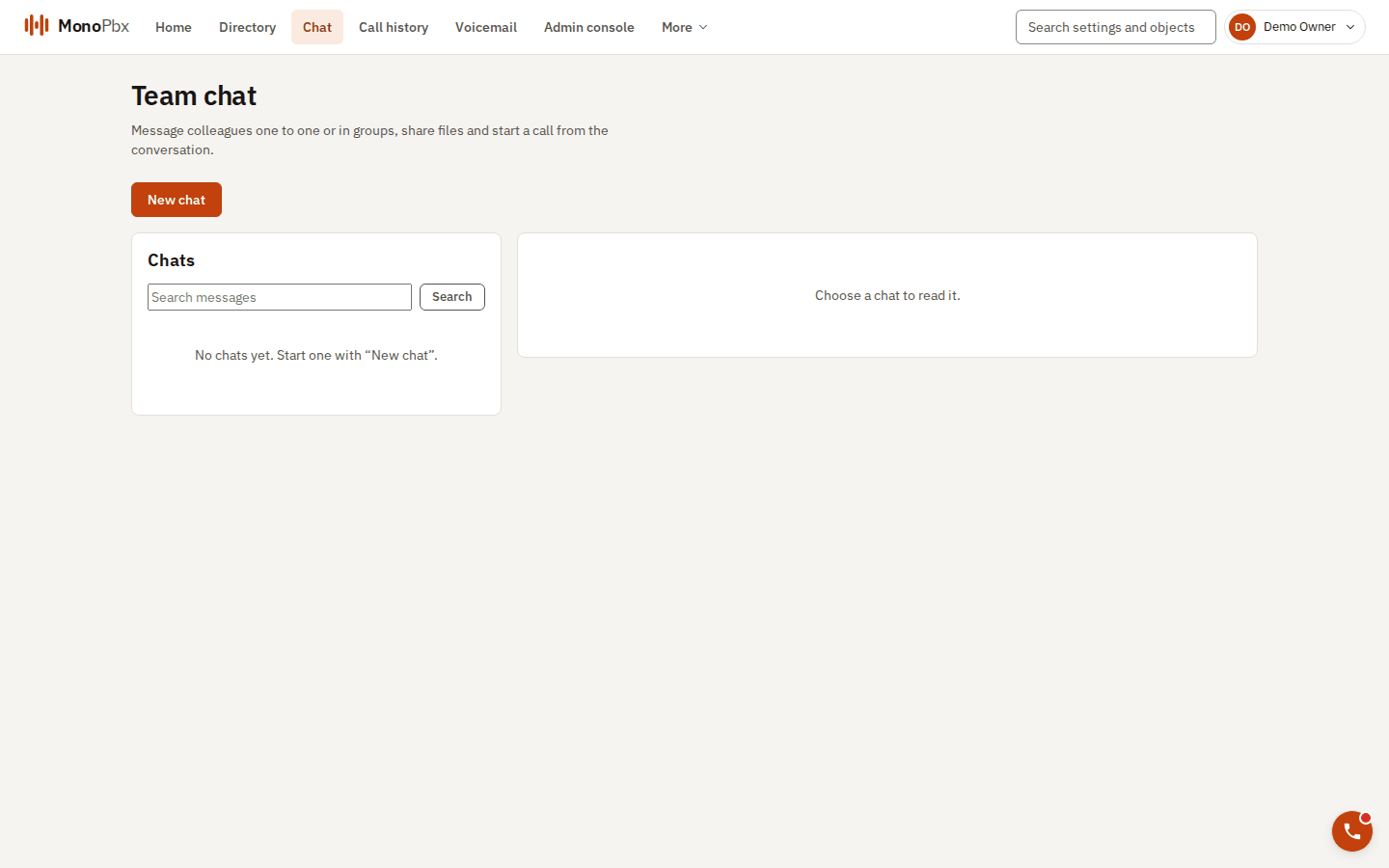
The Chat page.
- One-to-one: opening a chat with a colleague twice always shows the same conversation.
- Groups: up to 200 members. The person who creates a group is its owner and can rename it and add or remove members. Any member can leave. If the last owner leaves, the longest-standing member becomes the owner. When the last member leaves, the group and its files are deleted.
Messages
- Text up to 4000 characters.
- One file per message, with an optional caption. The default size limit is 16 MiB (your administrator can change it).
- If you were offline, you receive the messages you missed in order when you reconnect.
- Read receipts show how far each member has read, and the chat list shows your unread count.
- You can send up to 120 messages and files per minute.
- A push notification tells you about a new message on your phone, without the text.
Privacy
Only the members of a chat can read it. Administrators cannot read other people's chats, whatever their permissions, and API keys have no inbox. A disabled user cannot send or be added.
Retention of chat history is set by the administrator under Admin, Chat retention.