First run and initial setup
What mpbx init produced
Installing created the install secrets: the JWT signing key, the master key (which encrypts trunk passwords, API keys, certificate keys and recordings), the relay key and a single-use setup token. Only the hash of the setup token is stored.
Keep the recovery key shown during installation in a password manager or on paper, off the server. MonoPbx cannot recover it.
The setup URL
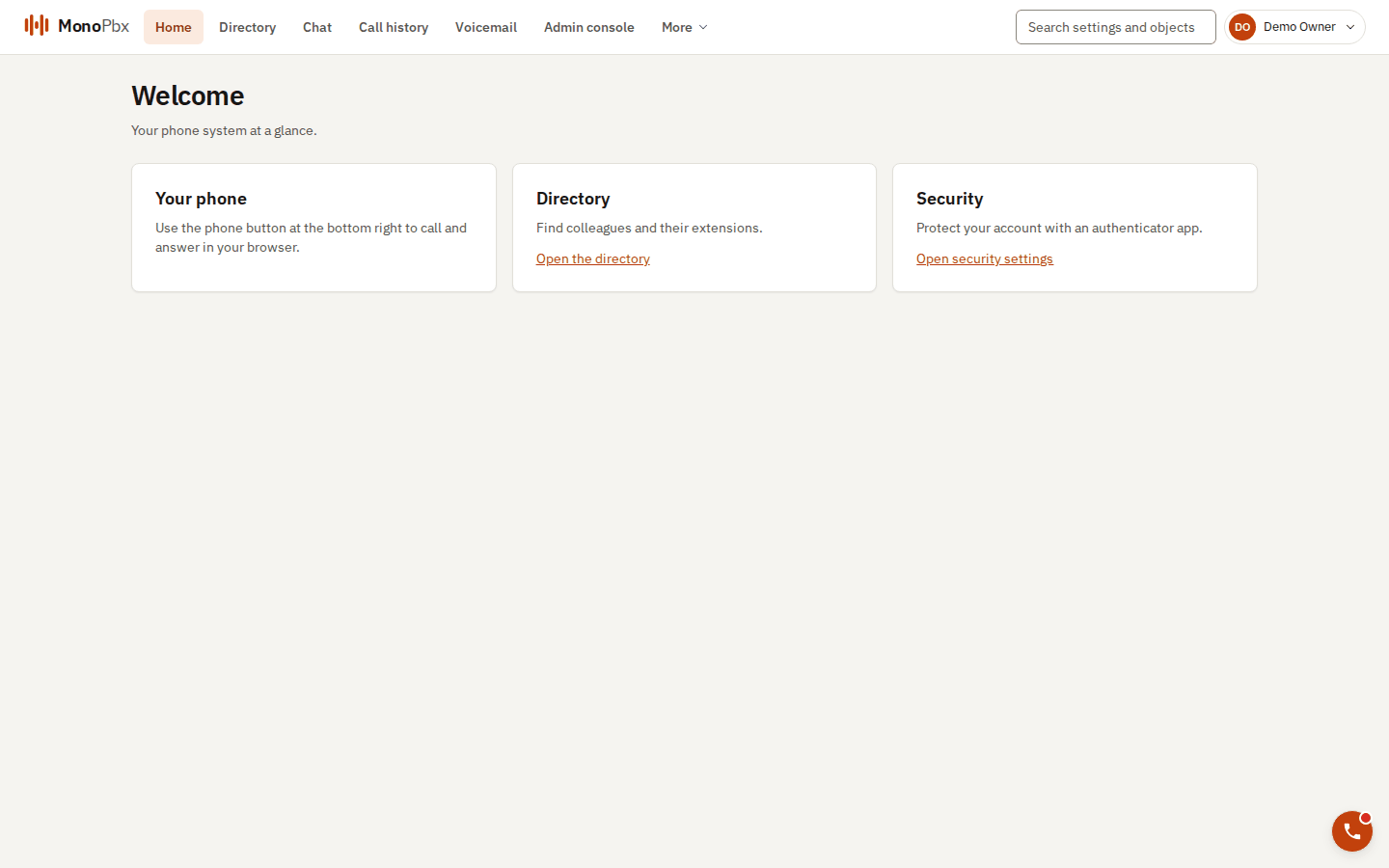
The console home page after the first sign-in.
mpbx init prints a single-use setup URL for the first administrator. It is valid for 24 hours by default. There is no default administrator account or password: this link is the only way in.
Open it in a browser. The setup wizard then:
- Creates the System Owner: your e-mail address, name and a password of your choice.
- Sets up two-factor sign-in: scan the QR code with an authenticator app and enter the 6-digit code. This confirms the owner and uses up the link: it never works again, even if it is still in a terminal log.
- Shows your recovery codes once. Store them safely.
- Lets you set the company name and default language, request a certificate for the install address (when an ACME directory is configured), see the proposed first trunk, and invite the first users (each gets an e-mail with a one-time link to choose a password; no password is ever sent by e-mail). Every step can be skipped and done later in the admin console.
If you mistype the e-mail address or forget the password before step 2, choose Start over in the wizard.
If you lose the URL on a VM install, sudo mpbx-ctl setup-url issues a new one and invalidates the old one. On Docker Compose, delete the MPBX_SETUP_TOKEN_* lines from .env, run docker compose -f compose.init.yaml run --rm init again and restart mpbx.
You can prepare every answer in the configuration file ([setup] in mpbx.toml), so the wizard only asks you to confirm: see the setup wizard guide.
Installation-wide settings later
Signing in always opens a session for your company, also for the System Owner. Backups, the installation's certificates and other installation-wide settings need a fresh code from your authenticator app: open Account security, then Installation-wide administration. The access lasts a few minutes.
Checking the install
sudo mpbx-ctl selftest                       # VM installer
cd deploy/compose/prod && scripts/smoke.sh   # Compose bundle
HTTPS
HTTPS serves a self-signed certificate until a real one exists. See Certificates and HTTPS to request one from Let's Encrypt or upload your own.