Getting Started with MonoPbx
:::info Status MonoPbx is in active development and has no public release yet. These pages describe what is on the main branch today. Where something is planned but not built, the page says so. :::
Requirements
- A Linux host. Ubuntu 24.04 LTS is the only supported host (amd64 or arm64).
- At least 2 CPUs, 4 GB RAM and 20 GiB free disk under
/var/lib(the VM installer checks these). - A DNS name pointing at the server if you want automatic HTTPS certificates (ACME). Without one, the web port still works over HTTP and HTTPS serves a self-signed certificate.
Installation options
-
apt, one command (recommended):
curl -fsSL https://ilinaya.github.io/monopbx-apt/install.sh | sudo bash -s -- --domain pbx.example.com --email admin@example.cominstalls themonopbxpackage (Ubuntu 24.04, amd64) with Caddy for HTTPS and the web softphone'swss://<domain>/sip, and SIP over TLS on 5061. -
VM installer:
install.shinstalls Docker if needed, then runs the production Compose bundle under systemd. The download domain in the one-line command is a placeholder until the release domain exists, so today you run the installer from a bundle you built yourself. -
Docker Compose bundle: the same bundle without the installer, started by hand.
-
Kubernetes (Kustomize): plain manifests with
kubectl apply -k, for a cluster you already run. There is no Helm chart.
After the install, the admin quickstart takes you from the setup wizard to a first call, and the user guide covers the phone itself.
After the install
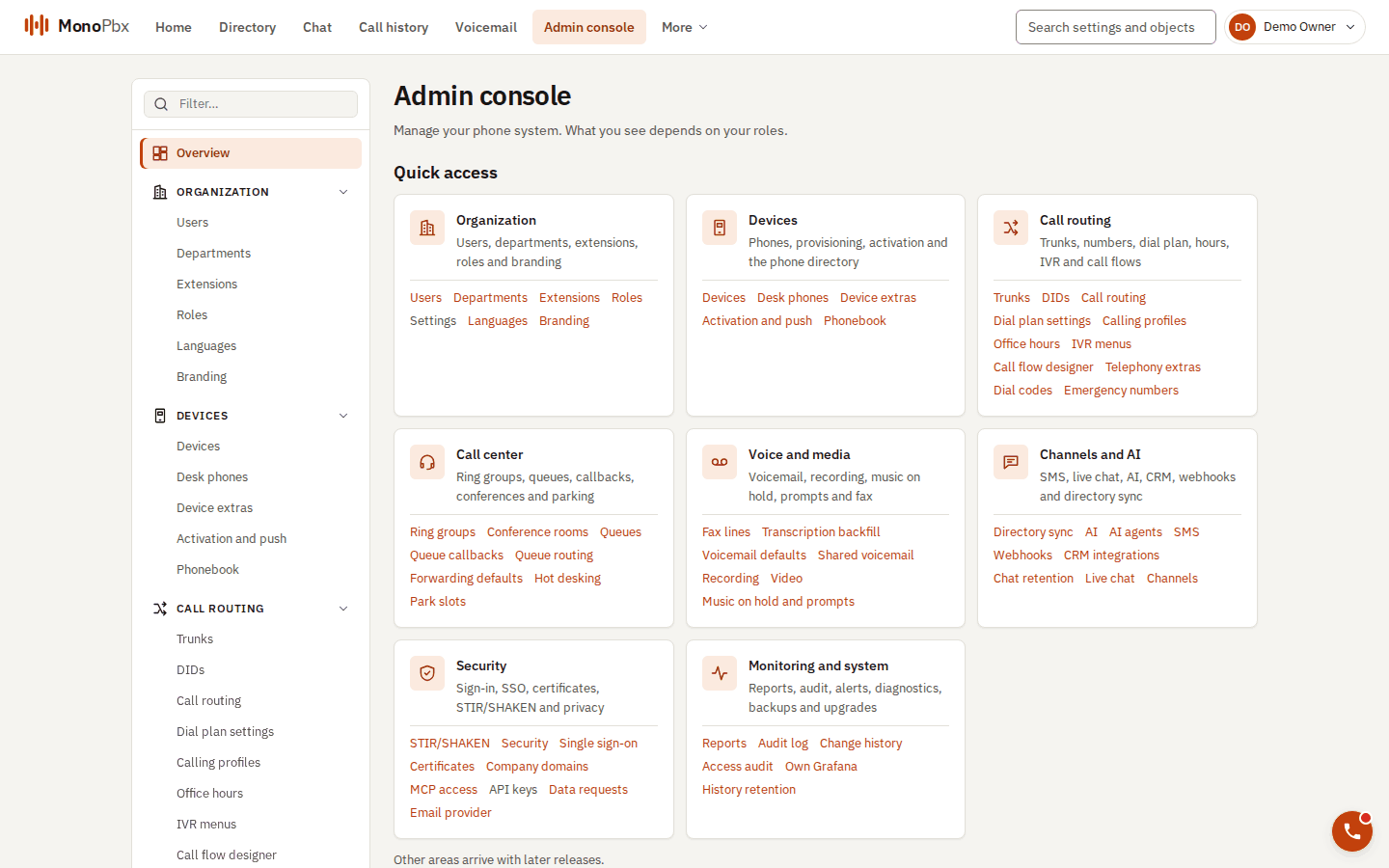
The admin console overview groups every setting area.
First run explains the recovery key, the single-use setup URL and what is not available yet.
Add users, extensions and phones connects the first people, browser phones, MonoPhone by QR code and desk phones.