Users, departments and roles
Everything here is available through the API (/users, /departments, /roles, /permissions). The web admin console has pages for users, departments, roles, extensions, devices and history; the API is the complete reference (/api/docs).
Departments
Departments group users, extensions and devices. A role can be given for the whole company or for one department. Every company has a Default department: it can be renamed but not moved or deleted. A user created without a department goes there. Someone who is not company-wide must name the department explicitly when creating a user.
Users
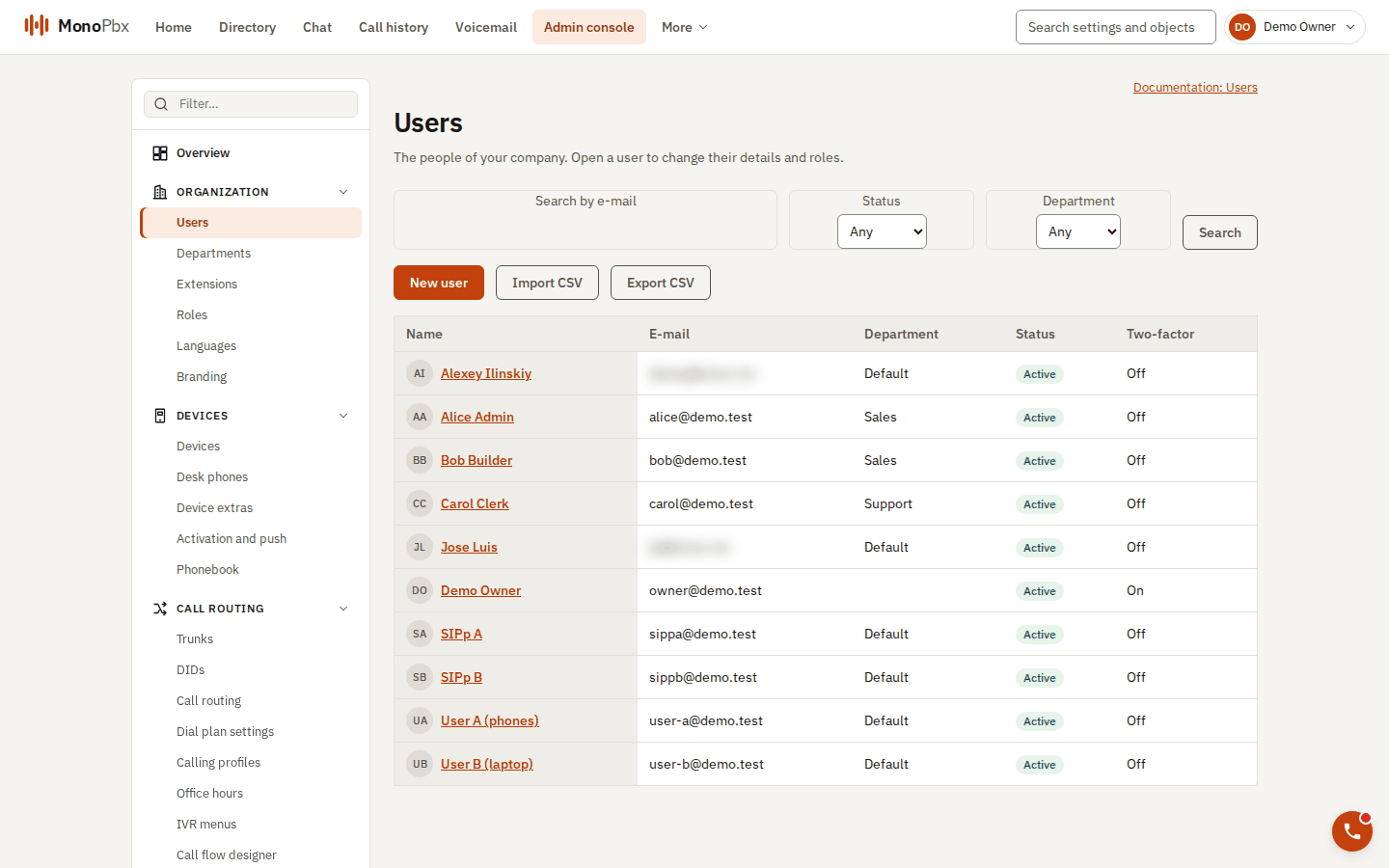
The Users page. The console also adapts to phone-sized screens (next image).
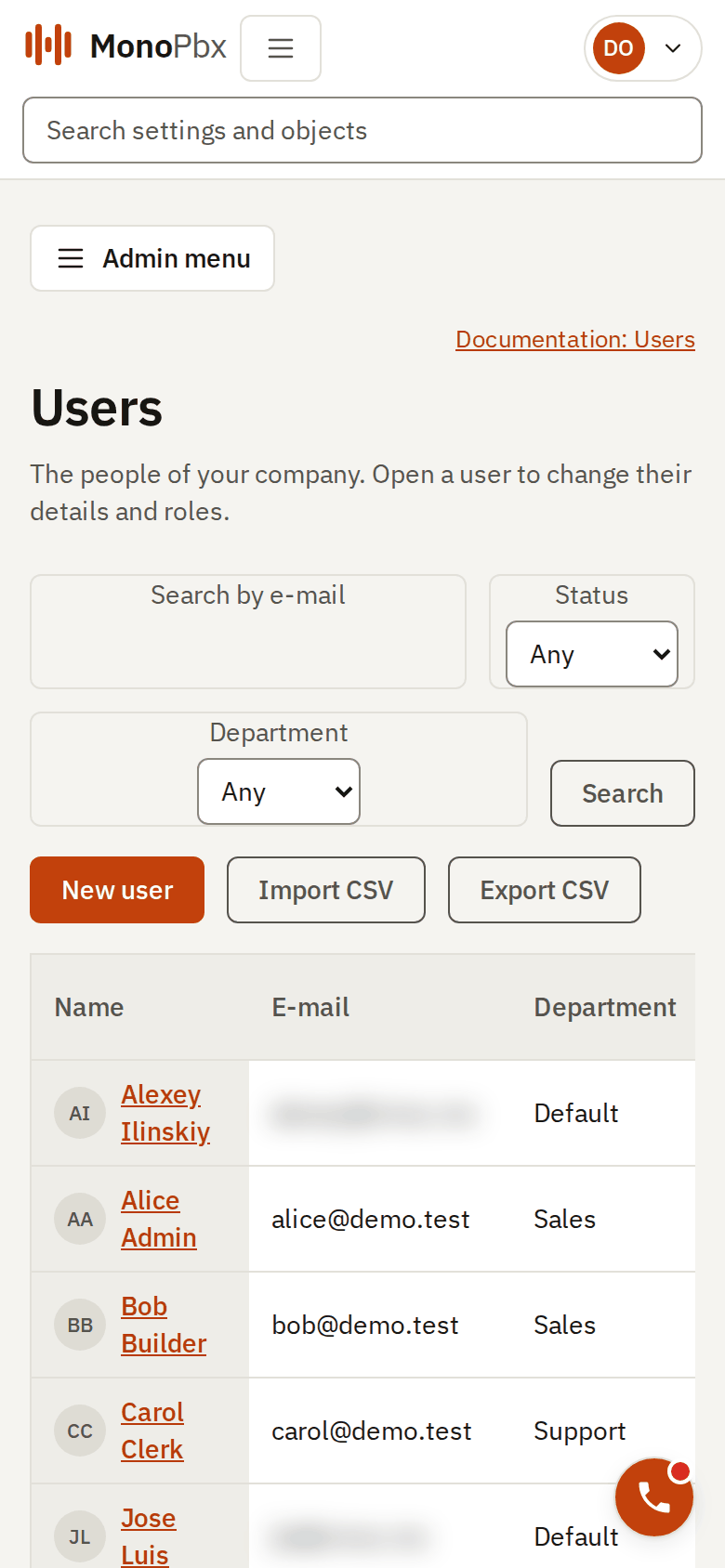
The same page on a 390 pixel wide screen.
- A new user gets the built-in User role company-wide (own calls, voicemail, the directory). Anything else is assigned with
POST /users/{id}/roles. passwordon creation is optional, is checked against the password policy and is never returned.- Disabling a user ends all their sessions at once and blocks sign-in.
- Admin password reset (
POST /users/{id}/password-reset) sets a new password, clears any lockout and ends the user's sessions. The password travels in the request body only; the response is204with no body. - Two-factor reset (
POST /users/{id}/two-factor-reset) removes the user's TOTP enrolment and ends their sessions. - You cannot disable or delete yourself (
MPBX-USER-SELF), and the last company-wide Owner can be neither disabled, deleted nor stripped of the role (MPBX-RBAC-LAST-OWNER).
Password policy and lockout
Passwords need at least 12 characters (at most 128) with no forced character mix. Common passwords, keyboard rows, repeated characters and the user's own name or e-mail are refused. After 5 failed sign-ins within 15 minutes an account is locked for 15 minutes; each further lockout in a row doubles, up to 1 day. A password reset by an administrator clears the lockout.
CSV import and export
GET /users/export writes the users you may read as CSV. POST /users/import (text/csv, at most 5 MiB and 2000 rows) reads the same format:
email,first_name,last_name,locale,department,status,extension
ana.ruiz@acme.example,Ana,Ruiz,es-MX,Sales,active,1001
email is required. Rows match users by e-mail: existing users are updated, new ones created, and empty cells leave existing values alone. Passwords are not part of the file. The import is a dry run by default (dry_run=true): the report shows each row's action and errors and nothing is written. With dry_run=false the file is applied only if every row is valid; otherwise nothing is written and you get 422 MPBX-IMPORT-INVALID.
Roles and permissions
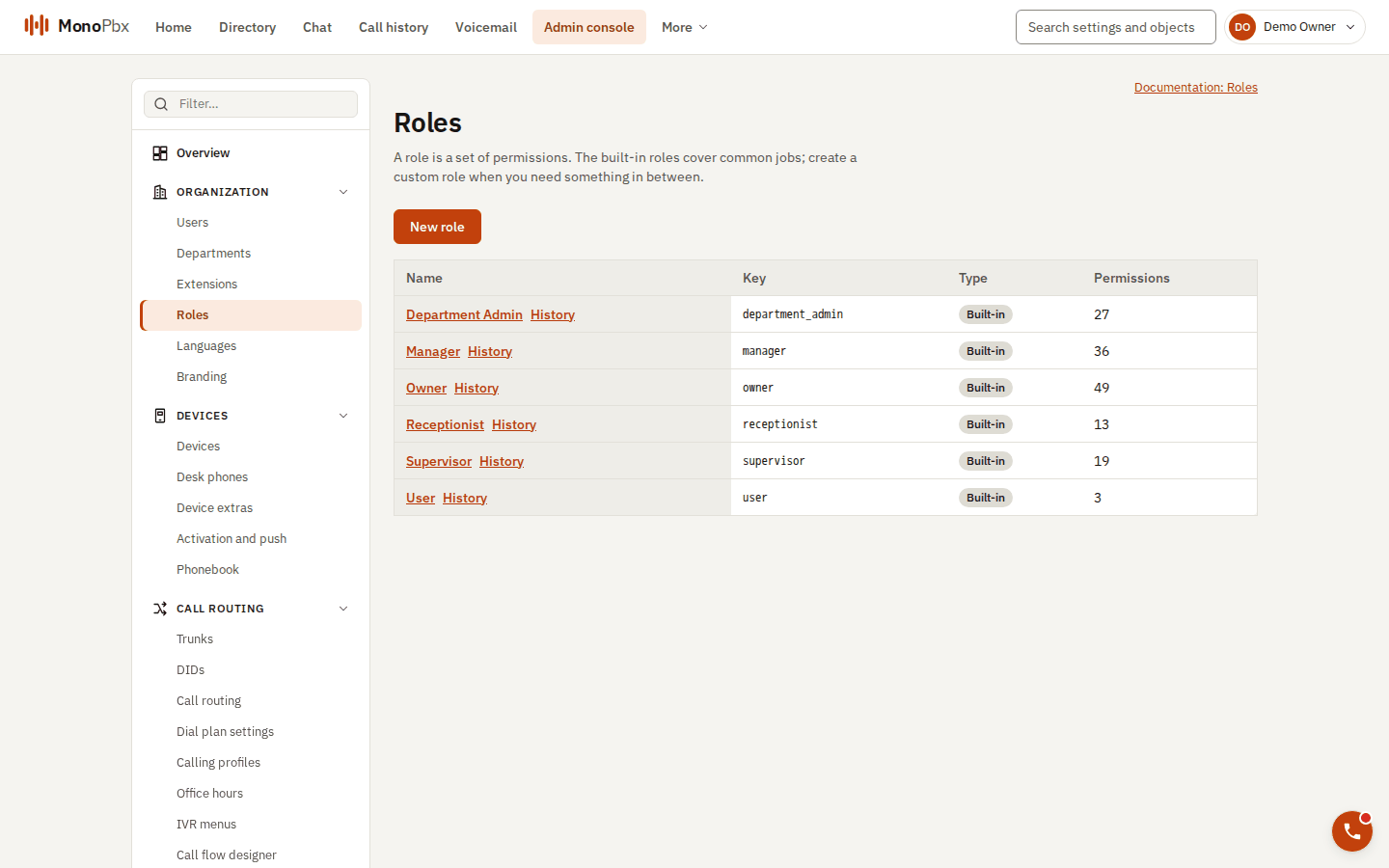
Built-in roles and the number of permissions each carries.
A permission is a key such as queues:read. The same key is the scope of API keys and of every API operation. A role is a named set of permissions. A role is assigned to a user for the whole company or for one department.
Six built-in roles exist in every company and are read-only (MPBX-RBAC-BUILTIN-READONLY): User, Receptionist, Supervisor, Department Admin, Manager and Owner. For anything else, create a custom role with POST /roles from the permission list (GET /permissions).
How permissions are computed:
- A company-wide assignment grants the role's permissions everywhere in the company.
- A department assignment grants the role's department-scoped permissions in that department only. Company-scoped permissions (trunks, dial plans, roles) are not granted by a department assignment.
- Grants add up. Permissions are read from the database on every request, so a role change applies on the next request.
- A user in department Sales who holds a department-scoped permission lists and edits only Sales resources. A resource of another department answers
403(MPBX-RBAC-FORBIDDEN), and a resource of another company answers404.
GET /me shows what the signed-in caller holds and where.
No escalation, and who can change whom
- Nobody can grant a permission they do not hold for that scope (
MPBX-RBAC-ESCALATION). A Department Admin of Sales can hand out a role in Sales, not in another department and not company-wide. - Acting on another account (password or two-factor reset, disabling, deleting, changing e-mail or department) needs
users:writefor the account's department and every permission that account holds. So a Department Admin cannot reset the password of an Owner who sits in their department (MPBX-ACCOUNT-OUTRANKS).
System roles
Above all companies sit two install-wide roles, System Admin and System Owner. Their order is System Owner > System Admin > none. A principal may change an account that holds a system role only if its own system rank is strictly higher, with one exception: a System Owner may change another System Owner.
| Acting as | System Owner account | System Admin account | Account without a system role |
|---|---|---|---|
| System Owner | yes | yes | yes |
| System Admin | no | no | yes |
| Anyone else (every company principal, including a company Owner, and every API key) | no | no | yes |
Refusals are 403 MPBX-ACCOUNT-SYSTEM. The rank that counts is the one on the token used: a company-scope token or API key has no system rank even if its user holds a system role. A System Admin can grant System Admin, only a System Owner grants System Owner, and nobody grants a system role to themselves or above their own. The last System Owner cannot be removed.
API keys
An API key is created by a signed-in user holding api_keys:write, for themselves. Its scopes must be company permissions the creator holds. It is sent as Authorization: Bearer mpbx_k1_... and can never do more than its owner can do now. Revoked, expired and unknown keys all fail with the same code (MPBX-APIKEY-INVALID).
Optimistic concurrency
PATCH and DELETE need If-Match with the ETag from the last GET. A missing header is 428 and a stale one 412. See API getting started.