Trunks and call routing
SIP trunks
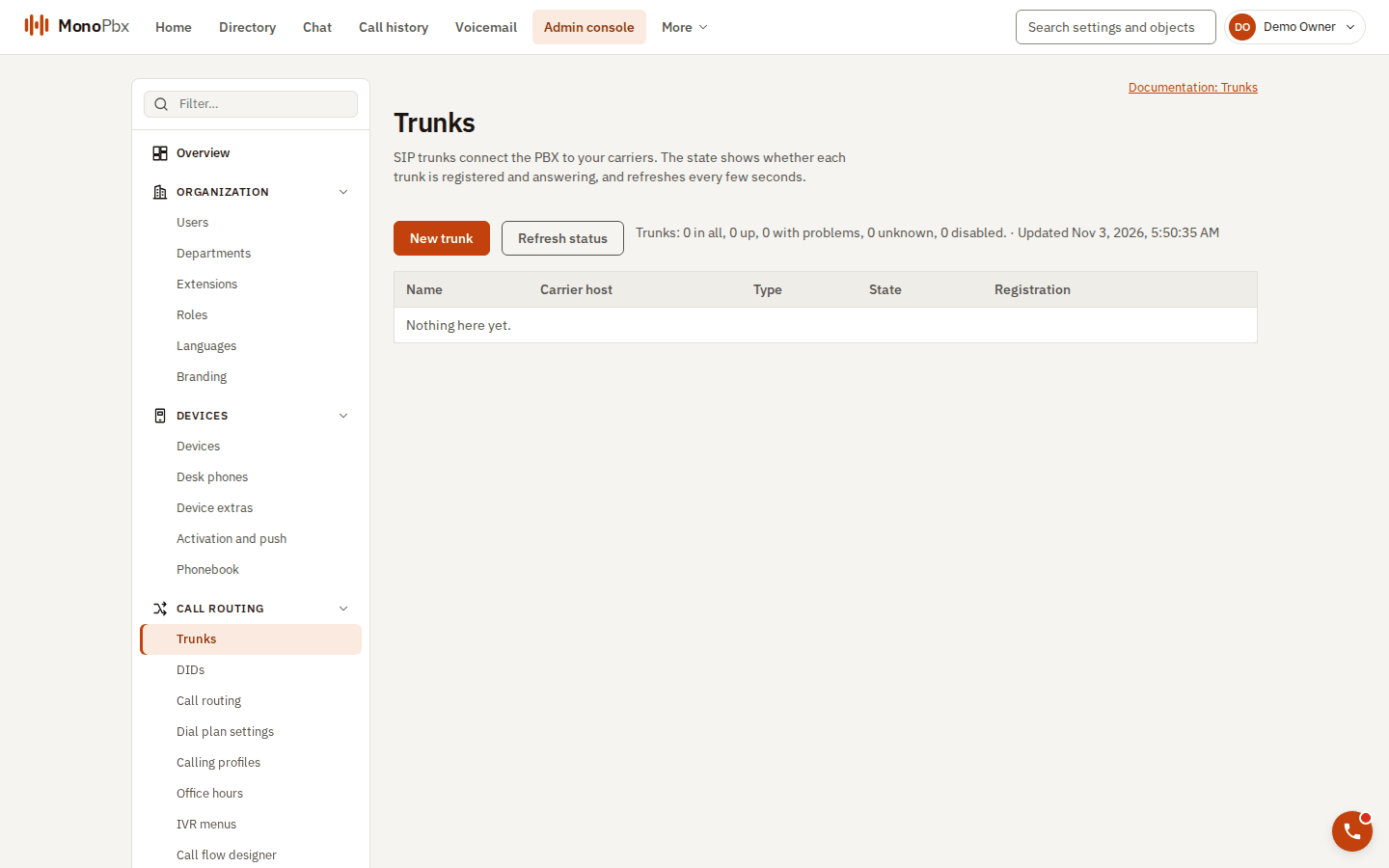
The Trunks page shows the registration state of each trunk.
A trunk connects MonoPbx to a carrier. Create one under Admin, Trunks.
| Setting | Meaning |
|---|---|
| Kind | Register: the PBX registers with the carrier. IP: no registration, the carrier is trusted by address. |
| Host, port, transport | The carrier, over UDP, TCP or TLS. |
| Credentials | Digest user, password and realm for the carrier's challenges. |
| Maximum channels | Concurrent calls on the trunk (0 for no cap). |
| Directions | Allow inbound, outbound or both. |
| Inbound authentication | By IP, by digest, or both. Add the carrier's addresses to the allow-list; /0 is refused. |
| Codecs | In order of preference. The default is PCMU and PCMA. |
| SRTP | Disabled, optional or required. |
| Health | The PBX sends OPTIONS pings and marks a trunk that stops answering as down. |
Inbound routing
Inbound rules send a number (DID) to an extension, ring group, queue, IVR, conference room or an outside number. The order of an inbound decision is: the block list, caller-ID rules, the rule for the DID, office hours. Related tools on the Routing pages:
- Block list: block a number, a prefix or withheld numbers. The carrier gets 603, 403 or 486.
- Caller rules: route by caller, for example a VIP list.
- Holiday messages: a different greeting on holidays.
- Route tracer: enter a number and see where the call would go.
- Emergency notifications: tell chosen users, a chat room or webhooks when an emergency number is dialled.
Outbound routing
Outbound rules match the dialled prefix and choose a trunk and caller ID. The rule tester shows the result for a number. Toll fraud limits restrict international calls. See also Office hours.