Queues and ring groups
Both give a number that rings several people. Use a ring group for a small team that answers together, and a queue for callers who wait for the next free agent.
Ring groups
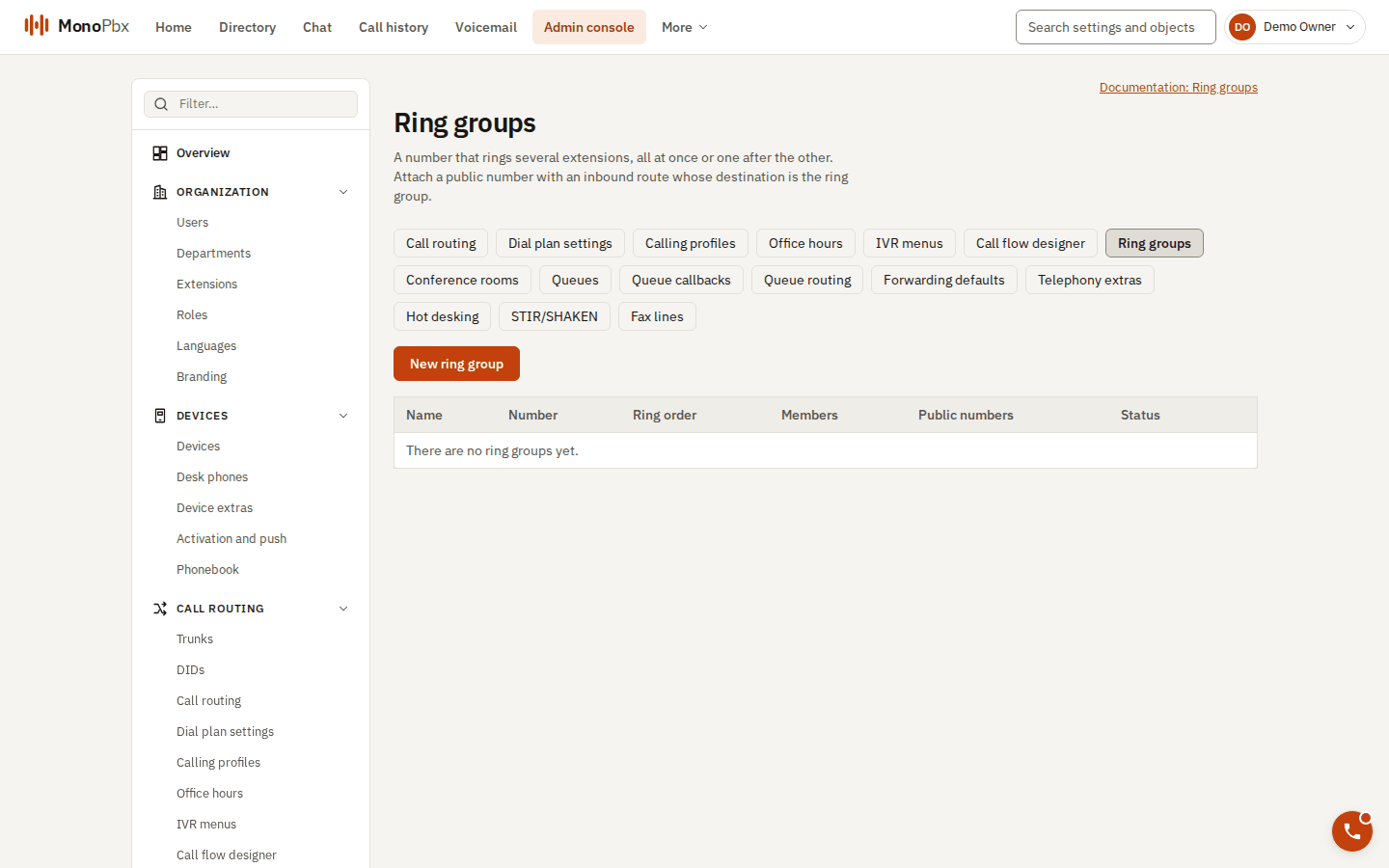
The Ring groups page.
Under Admin, Ring groups. Each group has its own extension number.
| Setting | Meaning |
|---|---|
| Strategy | Ring all rings every device of every member at once. Hunt rings one member after the other, in list order. |
| Ring time | 5 to 300 seconds (default 20). In hunt, this is each member's turn. |
| Members | Up to 50 user extensions. A member with no registered device is skipped. |
| Do not disturb | Skip the member (default) or ring through. |
| Forwarding | A member who forwards every call is either ignored (their devices ring anyway, default) or skipped. |
| If nobody answers | Hang up, send to an extension or an outside number, or voicemail. |
| Office hours | Optional schedule; when closed, the call follows the schedule's destination. |
Queues
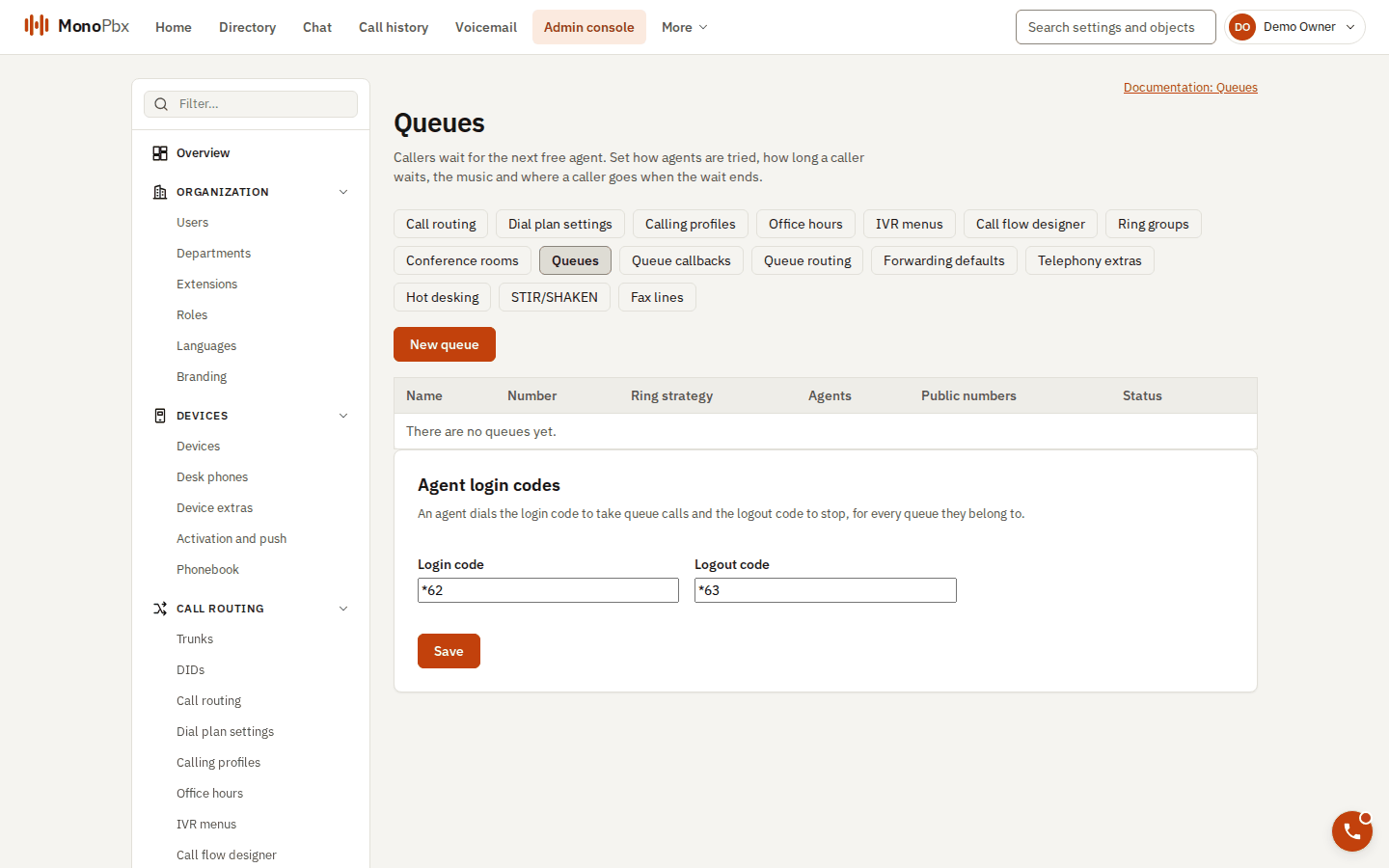
The Queues page, with the agent login and logout codes below the list.
Under Admin, Queues. A queue has an extension, agents, and a strategy:
| Strategy | Who rings |
|---|---|
| Ring all | Every available agent. |
| Hunt (prioritized) | One agent at a time, by priority. |
| Round robin | The agent after the one who took the previous call. |
| Longest waiting | The agent idle the longest. |
| Random start, least talk time, fewest answered | One agent at a time, chosen as the name says. |
Other settings: ring time per cycle, maximum wait (default 300 seconds), intro and music on hold from the prompt library, position and wait-time announcements, comfort prompts, a maximum number of callers, wrap-up time after each call, and a service level target (default 20 seconds).
Agents log in and out with dial codes (*62 and *63 by default). Callers can ask for a callback instead of waiting. See Reports for service level and abandoned calls.