Office hours, breaks and holidays
Office hours decide whether a call finds the company open, closed, on a break or on a holiday, and where it goes in each case. Hours are set per company, per department, or for one queue, ring group or menu. Each schedule has its own time zone, and daylight saving time is handled for you.
Every call flow that depends on time reads the same schedules, so the admin console shows what a caller will actually hear. You manage them on the Hours page of the admin console.
Kinds of schedule
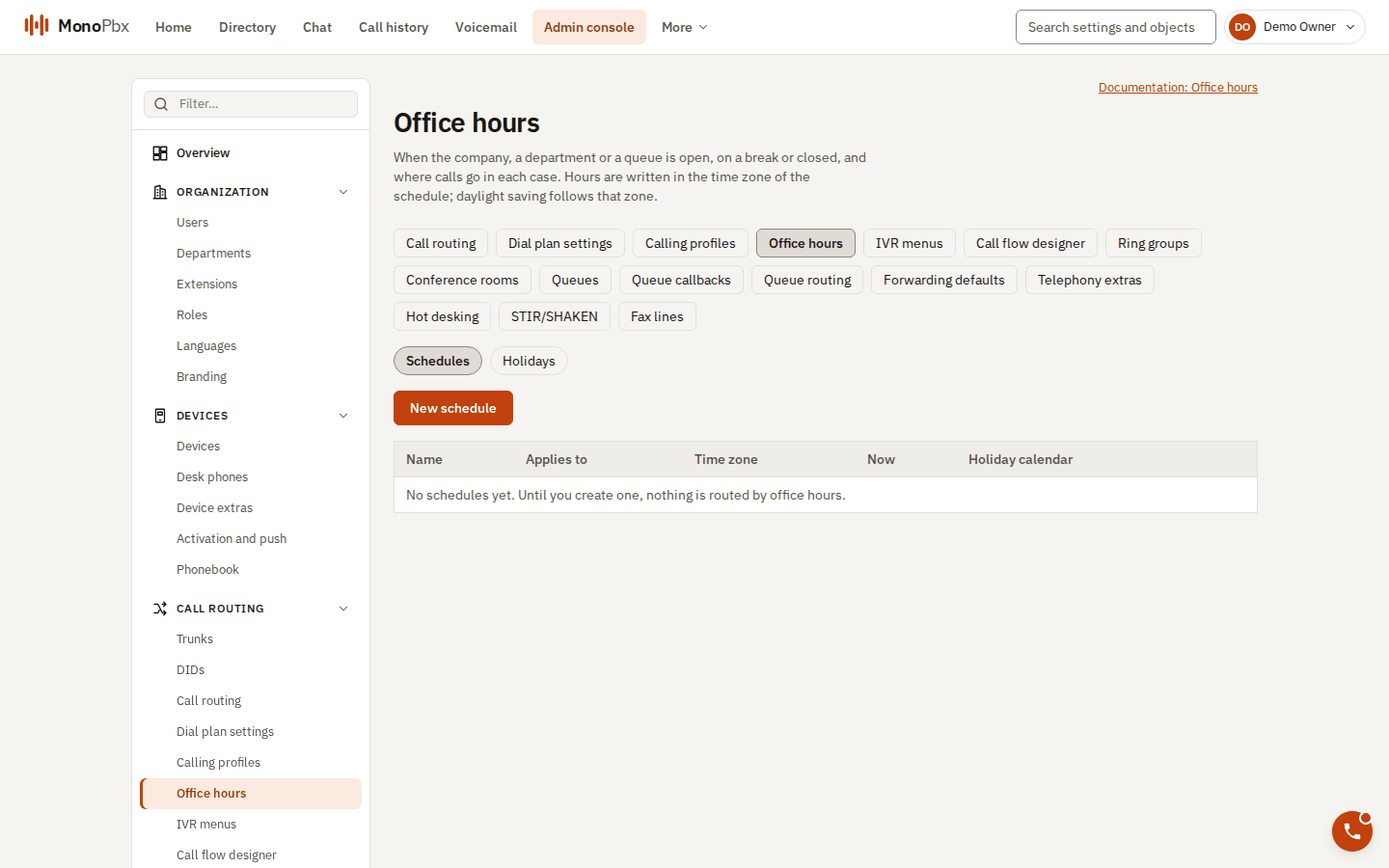
The Office hours page.
| Kind | How many | Used for |
|---|---|---|
| Company | One | The main line of the company. |
| Department | One per department | A department's own hours. |
| Custom | Any number | A specific queue, ring group or menu. |
Weekly hours
Open spans are the times the office is open. A break is a short time inside the open hours, such as lunch. Each day has its own spans, written as start and end times in the schedule's time zone (24:00 ends a day):
{ "mon": { "open": [ {"start": "09:00", "end": "14:00"}, {"start": "16:00", "end": "19:00"} ],
           "breaks": [ {"start": "11:00", "end": "11:15"} ] },
  "fri": { "open": [ {"start": "09:00", "end": "14:00"} ] } }
- Open spans on the same day must not overlap. Touching spans are merged.
- A break counts only inside an open span. A break outside the open hours does nothing.
- A night shift is two spans: one ending at
24:00on one day, and one starting at00:00on the next day.
Holidays
Holidays are kept in holiday sets. A set can be shared by several schedules, so several departments can close on the same days. A holiday can happen on a fixed date every year, or on a single date.
Destinations
For each state (open, closed, break and holiday), choose where the call goes:
- an extension of the company, such as a receptionist or a voicemail, or
- reject the call.
If a state has no destination of its own, the call uses the destination set on the queue, ring group or menu that uses the schedule.
Overrides
An override forces the schedule to open, closed or break until a time you choose, for up to 31 days. Use it for an unplanned closure or a late opening. An override always ends by itself, so you do not have to remember to remove it.
Check your hours before you rely on them
Before you publish changes, call the main line from an outside phone at a time when the office is closed and listen to the destination. Check that a holiday and an override behave as you expect.