IVR menus and conference rooms
IVR menus
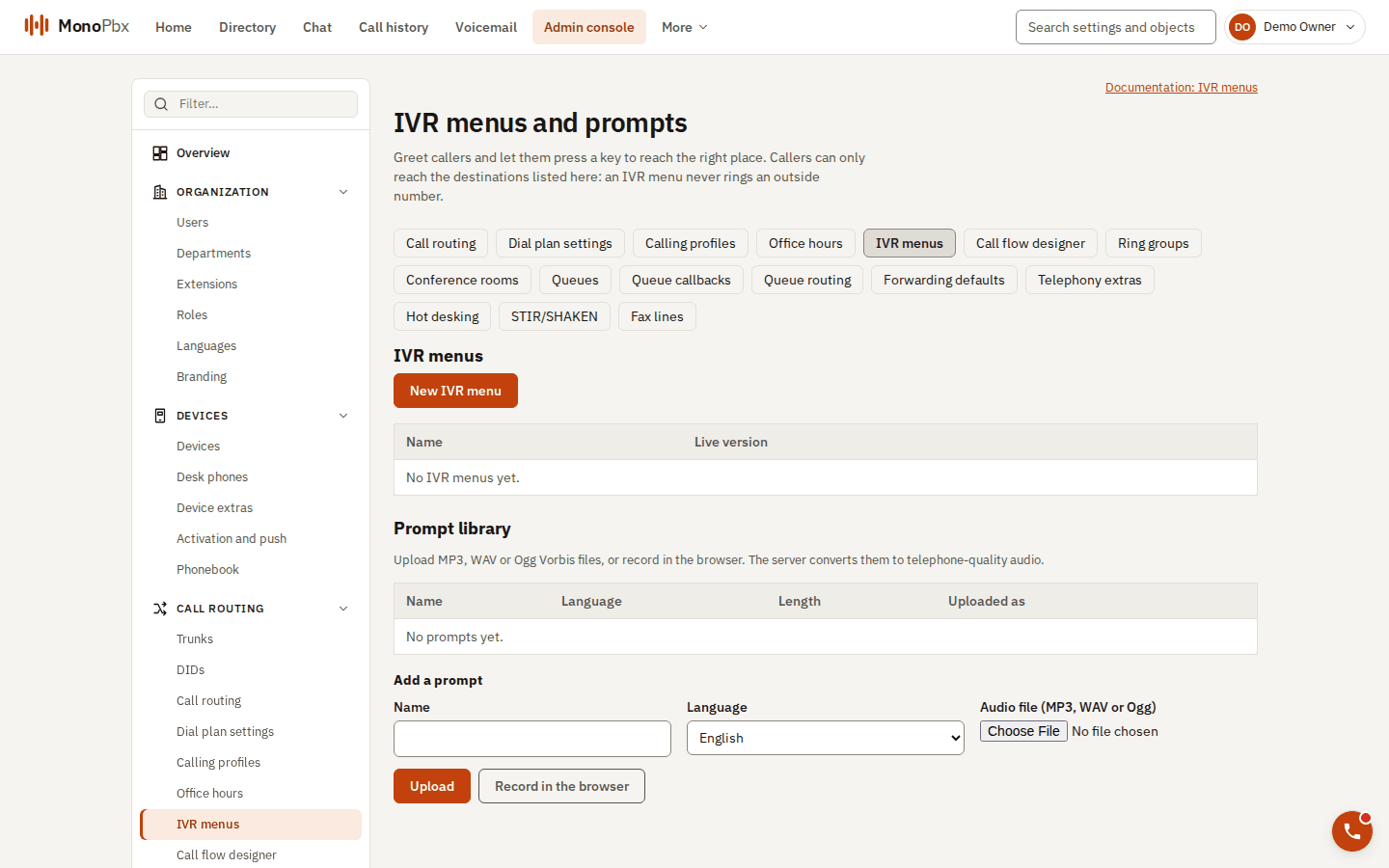
The IVR menus page with the prompt library below it.
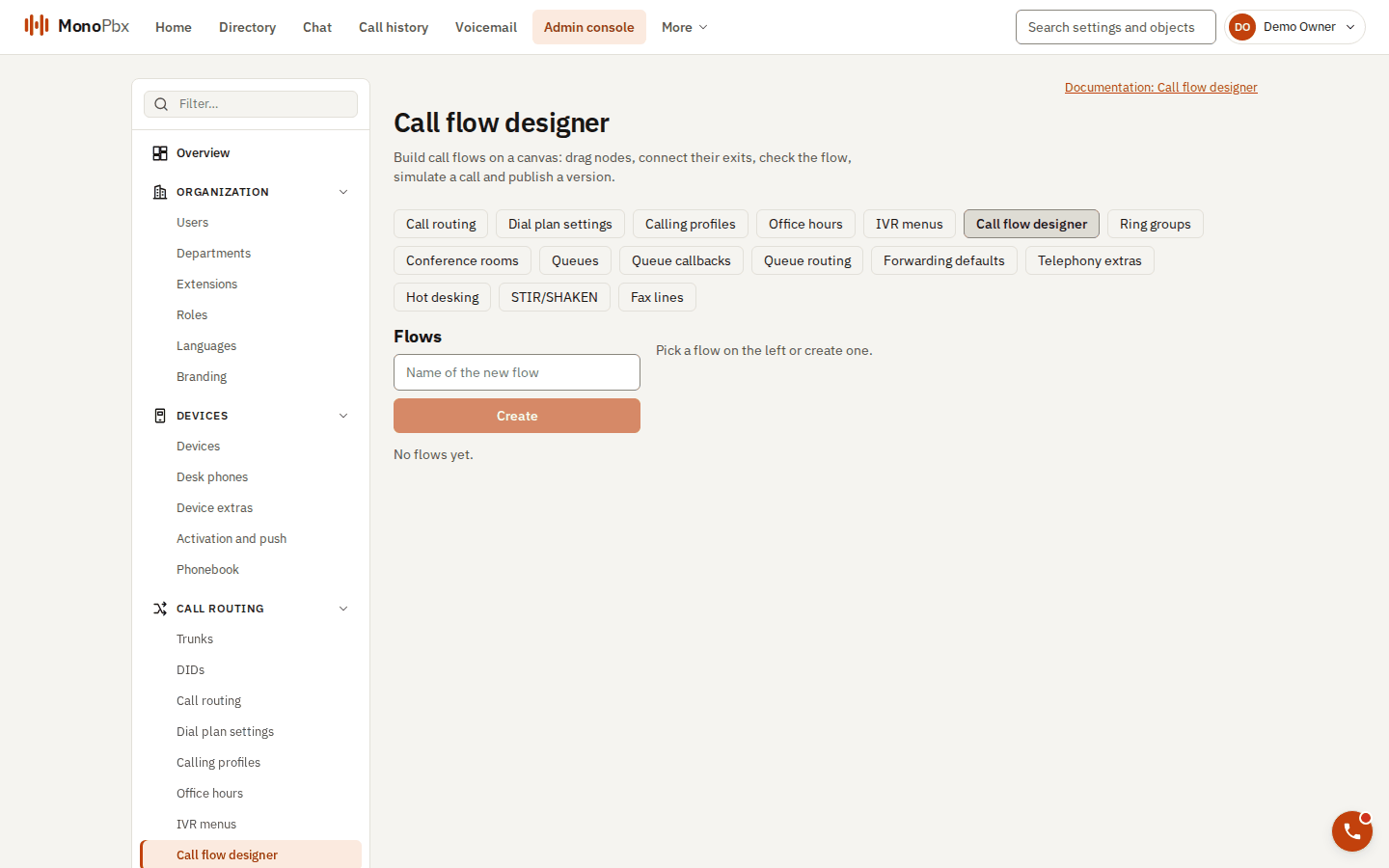
The call flow designer lists the flows you can build on a canvas.
An IVR (auto attendant) plays a greeting and sends the caller on by key press. Create one under Admin, IVR.
- Greeting: 1 to 16 prompts. A key press interrupts them.
- Options: 1 to 12 keys (
0-9,*,#), each leading to an extension, queue, ring group, voicemail, another menu or dial by extension. - Attempts and wait: the menu plays 1 to 10 times and waits 0.5 to 60 seconds for a key. Separate prompts play after a wrong key or no key, and you choose what happens after the last attempt.
- Dial by extension: callers type an extension. Only the extensions you list (up to 200) can be reached.
- Dial by name, digit collection and languages (the caller picks a language) are available as extras.
- Office hours: pick a schedule and a destination for closed, holiday and break.
An IVR cannot send a call to an outside number. Use an inbound route for that.
Reach an IVR from a phone (internal number)
Callers from outside reach an IVR through an inbound route. To let people in the company dial it too (for example to test it from MonoPhone), give it an internal number:
- Go to Admin, Extensions and create an extension (or edit one) of kind IVR, for example
700. - In Call flow, pick the IVR menu or call flow it runs, and save.
Dialling 700 from any phone of the company now plays the menu exactly as an outside caller hears it: the keys, office hours and transfers to extensions, ring groups and queues all work, and the caller is the person who dialled. An IVR extension without a call flow does not answer. Deleting the flow leaves the number without one.
Through the API: PATCH /api/v1/extensions/{id} with {"target_flow_id": "<IVR id>"} (and the extension's If-Match); null removes it. The rule tester (POST /api/v1/dial-plan/test) shows which flow a number runs.
Conference rooms
Under Admin, Call routing, Conference rooms. Each room has an extension that phones dial, and a number (DID) can reach it through an inbound route.
| Setting | Meaning |
|---|---|
| Participant PIN | 6 to 10 digits. Leave empty for an open room. |
| Moderator PIN | 6 to 10 digits, different from the participant PIN. |
| Maximum participants | 2 to 100 (default 10). |
| Wait for moderator | Participants hear music until a moderator joins. |
| End when moderator leaves | Everyone is disconnected when the last moderator leaves. |
PIN guessing is limited: three tries per call, five wrong PINs in 15 minutes lock that caller out for 15 minutes, and twenty wrong PINs from anyone lock the room's PIN entry for 15 minutes.