Certificates and HTTPS
MonoPbx manages its own TLS certificates: built-in ACME (Let's Encrypt or any RFC 8555 CA) with automatic renewal, or certificates you upload. Each company of a multi-company install can have its own certificate for its web address <slug>.<base domain>.
Defaults
HTTPS serves a self-signed certificate until a real certificate is issued or uploaded, so the install is reachable from the first start. No CA is contacted until you configure an ACME directory, and setting one accepts that CA's subscriber agreement.
Configuration
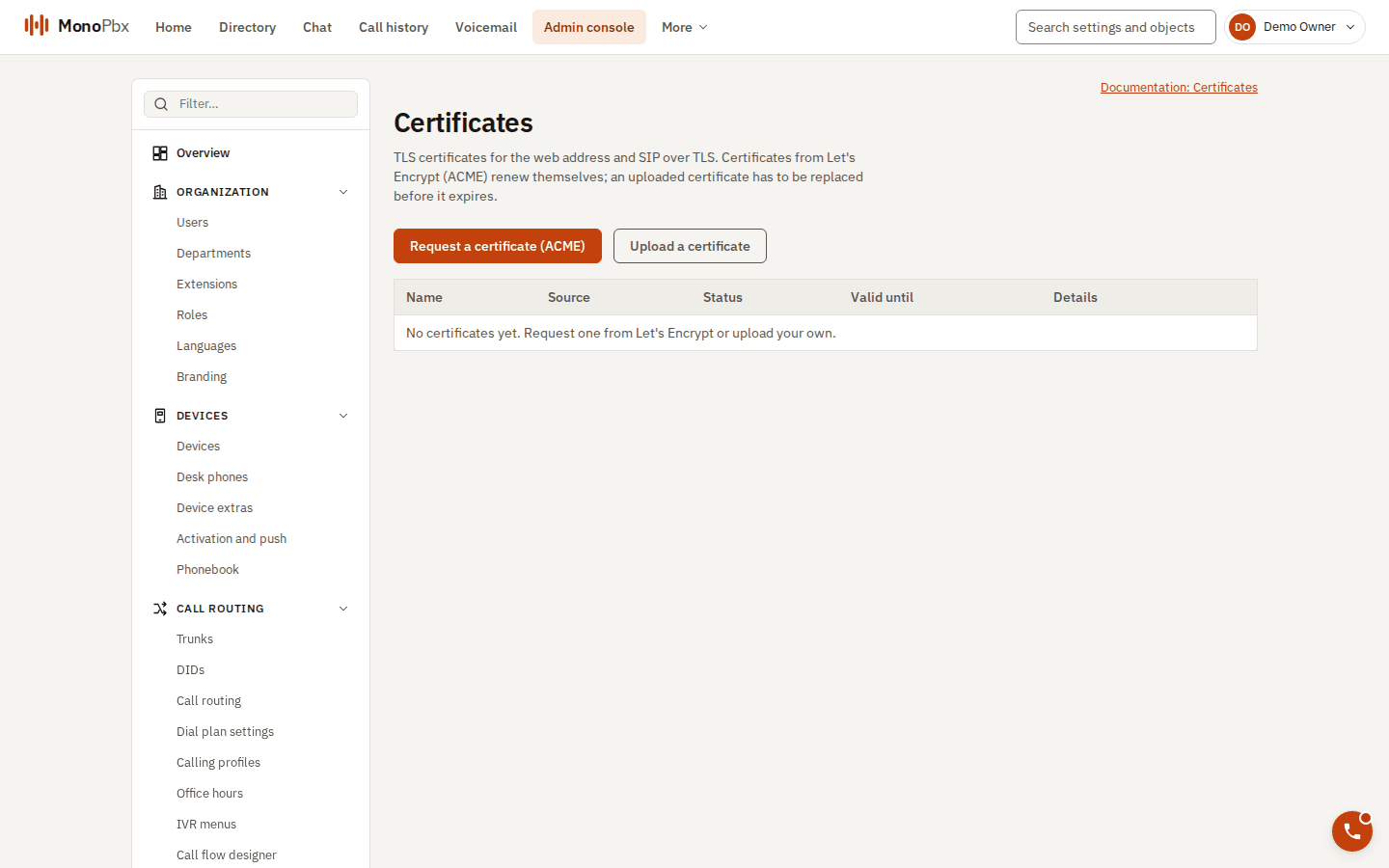
The Certificates page.
With the VM installer, --domain pbx.example.com --accept-acme-terms writes this for you, and publishes ports 80 and 443. The installer itself contacts no CA. By hand, the settings are:
[http]
base_domain = "pbx.example.com"          # company addresses are <slug>.pbx.example.com

[tls]
listen = "0.0.0.0:443"
http_listen = "0.0.0.0:80"               # ACME HTTP-01 answers and redirect to HTTPS
acme_directory = "https://acme-v02.api.letsencrypt.org/directory"
acme_contact = "hostmaster@example.com"  # optional expiry notices
Every key also works as an environment variable (MPBX__TLS__LISTEN, and so on).
Let's Encrypt (ACME)
Ports 80 and 443 must reach the server and the name must resolve to it (HTTP-01). Request a certificate with the API, as a System Owner or System Admin:
POST /api/v1/system/certificates/acme    {"domains": ["pbx.example.com"]}     -> 202, status "pending"
POST /api/v1/certificates/acme           {}     (a company admin: the company's own address) -> 202
The renewer issues it within a minute. Wildcard certificates need DNS-01, which is not built yet: upload a wildcard certificate instead (*.pbx.example.com serves every company address).
Certificates renew automatically at not_after - min(30 days, lifetime / 3). A failed renewal retries after 10 minutes, doubling up to 12 hours, and the certificate in service stays in service meanwhile. POST /api/v1/system/certificates/{id}/renew renews now.
Uploading your own
POST /api/v1/system/certificates   {"certificate_chain_pem": "...", "private_key_pem": "..."}
POST /api/v1/certificates          (a company: must cover <slug>.<base domain>)
The chain is the leaf first, then the intermediates. Before anything is stored the server checks PEM syntax, chain order and signatures, that the key matches the leaf, that the leaf is currently valid and has DNS names. Uploading again under the same name replaces the certificate. The private key is write-only: it is sealed and never returned. Uploads do not take Idempotency-Key.
POST /api/v1/system/certificates/{id}/default marks the install's default certificate.
Which certificate a connection gets
- The certificate of the company whose address the client asked for. A company certificate is only served for its own company's address.
- An install-wide certificate with that exact name.
- An install-wide wildcard covering it.
- The default certificate (no server name, an IP address or an unknown name), else the self-signed one.
Certificates reload on every node within about 10 seconds without a restart. Expired certificates are still served while renewal is failing, and the alerts report them.
Monitoring
Metrics: mpbx_tls_cert_expiry_seconds, mpbx_tls_cert_renewal_failures, mpbx_tls_cert_renewals_total, mpbx_tls_certs. The repository ships Prometheus alert rules for certificates expiring in under 14 days and under 3 days, and for repeated renewal failures.
Permissions and audit
Install-wide routes (/system/certificates...) need system.settings:read or system.settings:write. Certificate uploads, ACME requests, renewals, deletions, default selection and issuance results are recorded in the audit log, with names and fingerprints, never key material.
There is no command-line certificate upload; use the API.