AI setup (bring your own key)
MonoPbx uses large language models for transcription, call summaries, the voice agent, agent assist and the MCP server. AI is off by default. Each company turns it on, and each company brings its own provider key.
Providers
| Provider | What it is | Where it is called |
|---|---|---|
| Anthropic Claude (default) | The Messages API | https://api.anthropic.com |
| OpenAI-compatible | The chat completions API of OpenAI, or a gateway in front of a model such as vLLM or LiteLLM | The base URL you enter |
Base URLs must be public https addresses. The PBX refuses private addresses, redirects and proxies. A model on your own LAN is therefore not reachable through this setting today; see Air-gapped installs.
Add a provider
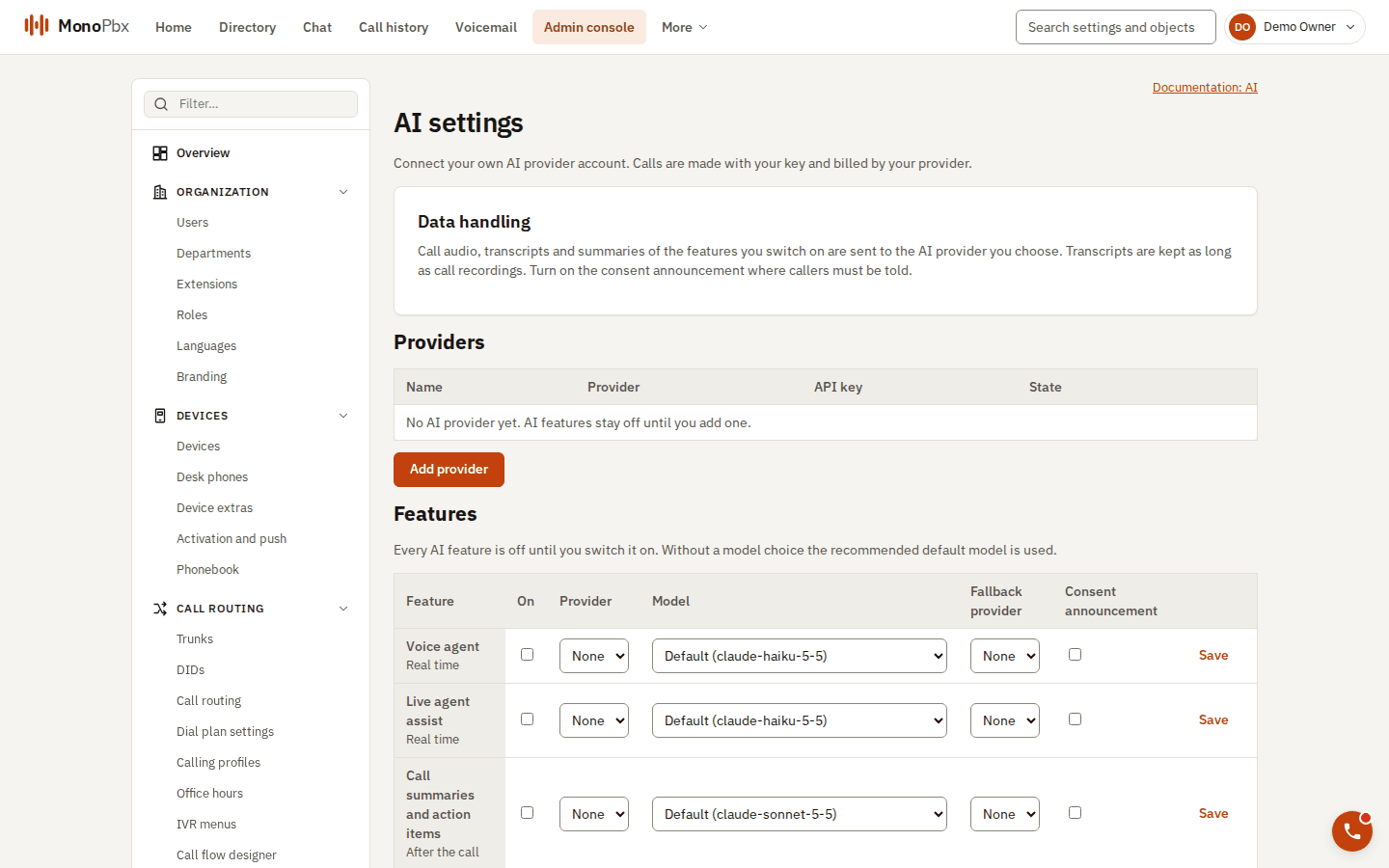
The AI settings page: providers first, then one row per feature.
- Create an API key at the provider. Use a key for this company only.
- Open Admin > AI and choose Add provider.
- Pick the adapter, paste the key and confirm the base URL.
- Save. The key is sealed with the company's data key and is shown once; afterwards the page only shows that a key is set.
- Turn on the features you want. Each feature names the model it uses; you can change the model per feature.
Changing the base URL without entering a new key removes the stored key. A key is therefore never sent to an endpoint you did not approve.
What data leaves the install
When a feature runs, the content it needs (for example a call transcript or the text of a chat) is sent to the provider you chose. The provider's terms and retention apply. Your company is responsible for telling callers that calls are recorded or analysed where the law requires it.
Network
The PBX needs outbound HTTPS (port 443) to the provider. The full list is in Network requirements.
Turning AI off
Disable the feature or remove the provider. Stored transcripts and summaries remain under the company's retention settings; removing the key does not delete them.