Activity, history and audit
MonoPbx keeps two related records of administrative activity.
- The audit log says who did what, when, from where and how. It stores a hash of each change, never values, so it can be kept for a long time (7 years) without holding secrets.
- The configuration history keeps a masked before and after of each configuration change, so you can see a diff and revert it.
Audit log
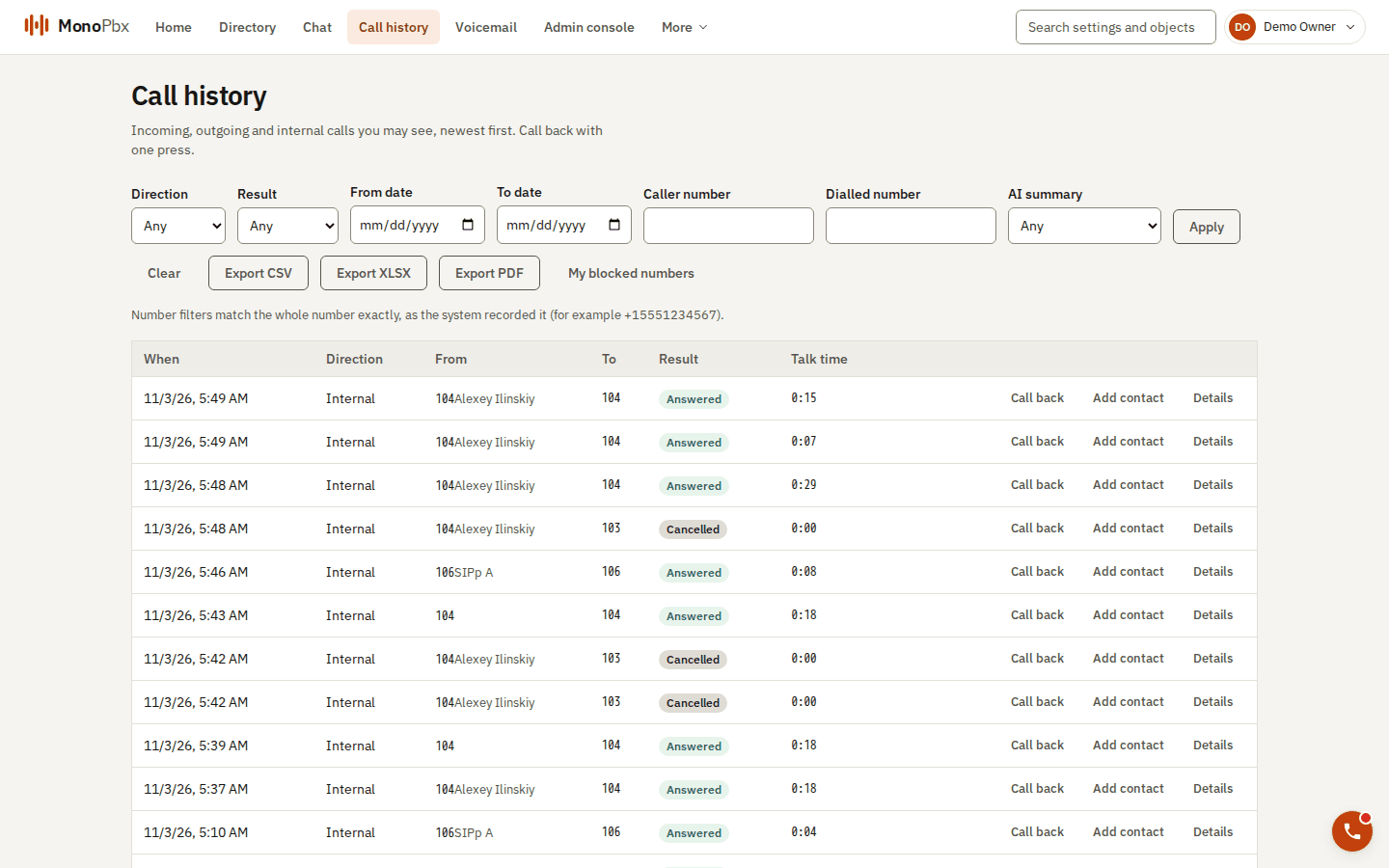
The Call history page with its filters and export buttons.
Each record has an actor (user, api_key, device, job or anonymous), a channel (ui, api, cli, mcp, system), the client address, an action such as auth.login or config.updated, the object (entity_type, entity_id), an outcome (success, denied or error) and a few details such as the names of changed fields. The ui, cli and api channel is what an authenticated client declares in the X-Mpbx-Channel header; an API key is always api.
Recorded today includes:
- configuration changes: users, departments, extensions, devices, roles and role assignments (created, updated, deleted);
- sign-ins, successful and refused (with a reason such as
wrong_passwordorlocked), lockouts, logouts, refresh-token reuse, password and two-factor changes; - role, API key and system role administration, and a system principal entering a company;
- certificate and backup administration;
- SMS provider and number administration.
Not recorded yet: API key use, failed bearer authentication, company creation and suspension.
Reading it
| Route | Permission | Returns |
|---|---|---|
GET /api/v1/audit-log | audit:read (Owner by default; a Department Admin does not have it) | Your company, newest first |
GET /api/v1/system/audit-log | system.audit:read (System Admin and System Owner), system-scope token | Install-wide records only |
The usual list parameters apply: limit, cursor, filter=field:op:value and sort. Filter fields are ts (gt gte lt lte, RFC 3339), actor_type, actor_id, channel, entity_type, entity_id, outcome (eq) and action (eq or starts_with).
GET /api/v1/audit-log?filter=action:starts_with:auth.&filter=outcome:eq:denied&limit=50
The audit log is stored in ClickHouse. Without clickhouse.url configured, the routes answer 503 MPBX-API-NOT-CONFIGURED; records wait in Postgres until ClickHouse is available. A record exists if and only if its change committed. The log has no write route. A hash chain that would detect tampering by someone with ClickHouse write access is not implemented.
Configuration history and revert
GET  /api/v1/config-history?filter=entity_type:eq:department&filter=entity_id:eq:<id>&sort=seq
GET  /api/v1/config-history/{id}
POST /api/v1/config-history/{id}/revert
Each entry shows who, how, when, and a before and after of the fields that changed, for departments, users, extensions, devices, roles, role assignments and language packs. Reading needs audit:read plus the read permission of the object kind (for example users:read). Entries of a kind you may not read are 404, not 403.
- Secrets never appear. Any field that names a secret (password, token, TOTP, credentials, hash and similar) is shown as
[masked]. A change to one is listed by name only: the history can say that the password changed and nothing more. - A revert is a new change. Nothing is ever rewritten, and the revert itself is in the history and the audit log.
- The history table is append-only for the company role.
The web console has a history page for this.
Live events
Audit records and configuration changes are also streamed on the audit and config topics of the events WebSocket to holders of the matching permissions.